
Choose these Foreman calibration answers
The Foreman calibration has three questions. Select the answer text in the table and press Confirm after each choice. Match the wording instead of relying on an option's position.
| Question | Correct answer |
|---|---|
| Work should be done… | Fast and cheap as f*** |
| A hard hat must be worn when… | The goddamn inspectors show up |
| Meetings should be held… | Every f***ing hour |
Start and finish the Foreman test
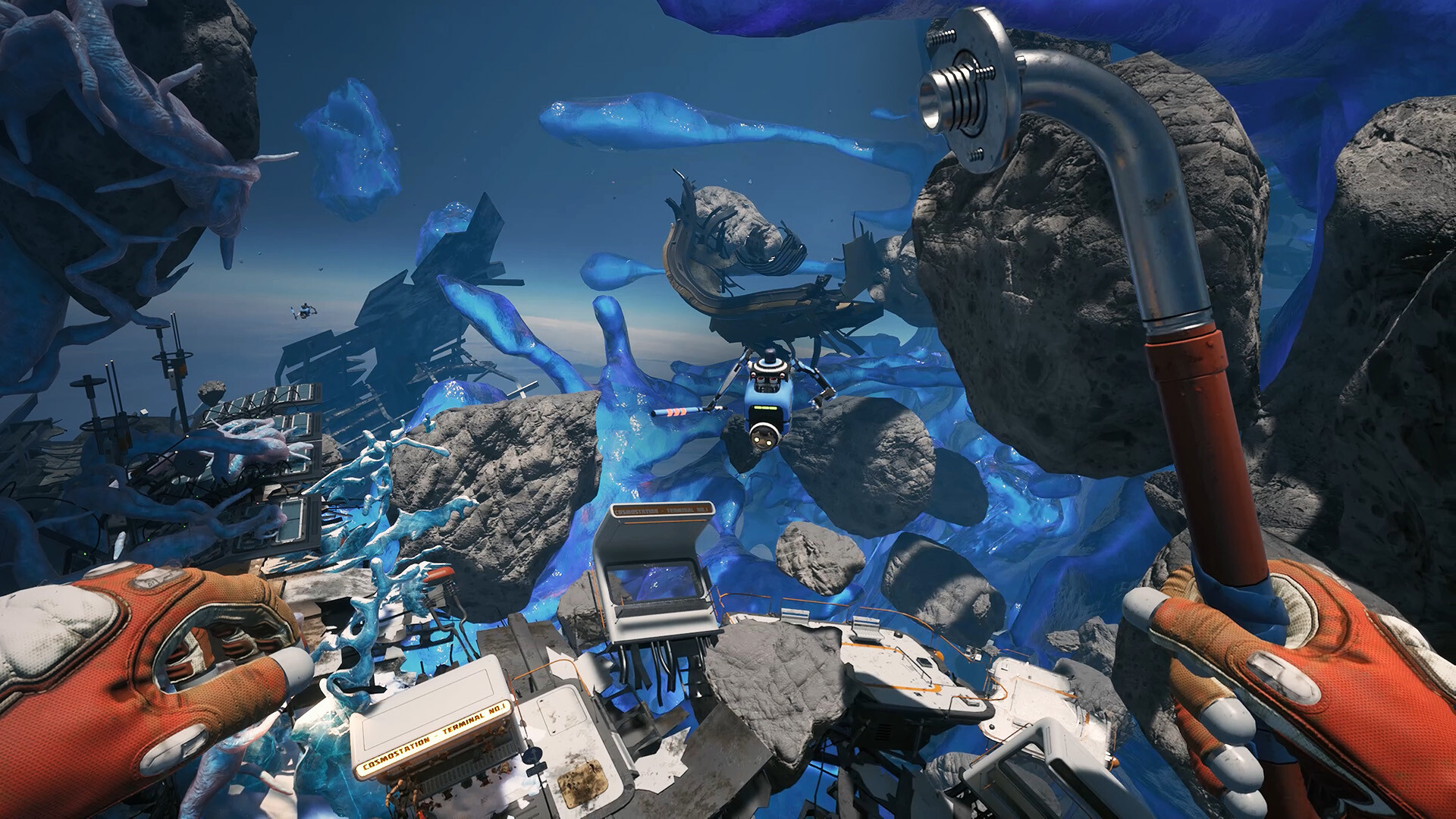
- Find the Construction Platform marked with yellow paint in the Industrial Debris Zone. The Foreman is mounted there among wrecked station modules and crane debris.
- Discharge the Foreman first. This action lets the robot proceed into calibration.
- Choose each correct answer from the table and press Confirm before moving to the next question. One wrong answer ends the attempt.
- After completing calibration, resume the Service Warmer route. Finishing the Foreman does not complete Raise Ambient Temperature for you.
Start Foreman calibration and confirm each answer
- How do I start Foreman calibration?
- Use the discharge action before calibration. Discharging the Foreman enables the calibration sequence instead of the ordinary repair interaction you might expect.
- What should I press after choosing a Foreman answer?
- Press Confirm after selecting the answer. That button completes the selection and advances the test to its next step.